



















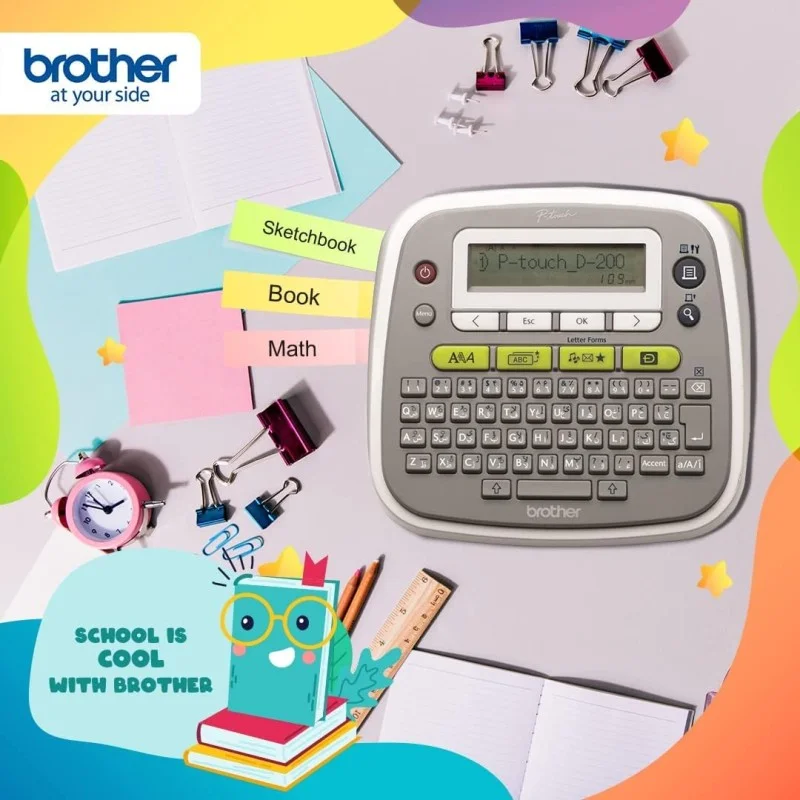
Brother P-touch English & Arabic Label Maker - PT-D200AR
21.750 KWD
- Brand: Brother
- Product Code: PT‑D200AR
- Availability: In Stock
· Brand: Brother
· Type: Label printer
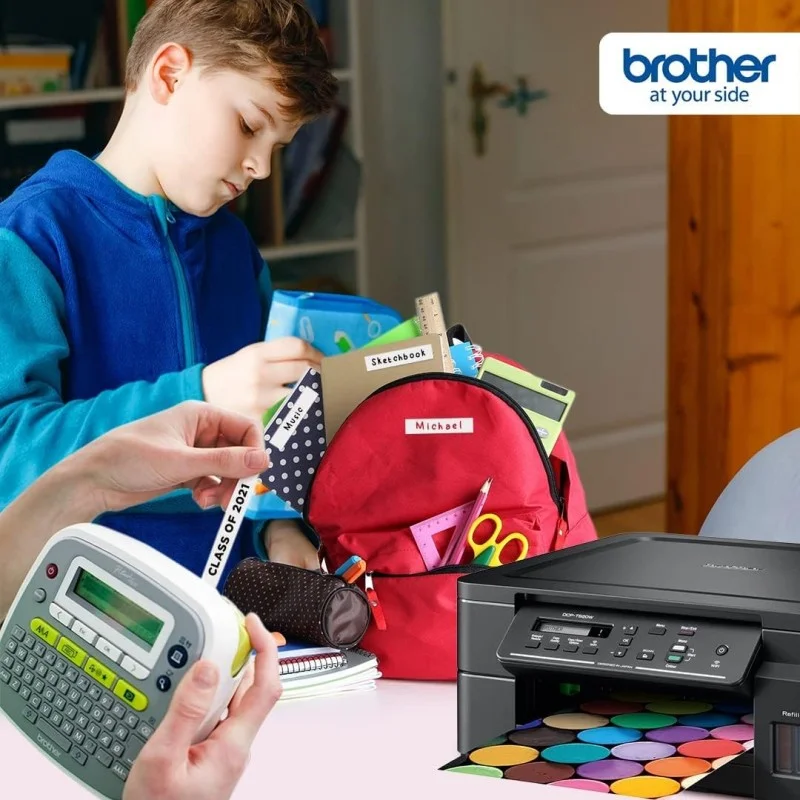
· PERFECT FOR OFFICE OR HOME USE: Our durable labels have a wide variety of applications such as marking cables and plugs, CD’s and DVD’s, USB flash drives, office equipment, file folders, staff and visitor name badges, filing cabinets, signage, mail rooms, notice boards, shelving and telephone extension numbers.
· PERSONALISED LABELS: This feature packed label maker prints durable labels up to 12mm in width. With 14 fonts, 3 text styles, 617 symbols, and 97 frames to choose from, you can easily customise your labels to your exact needs.
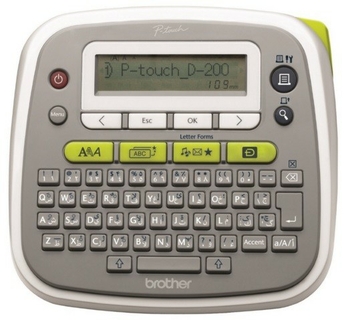
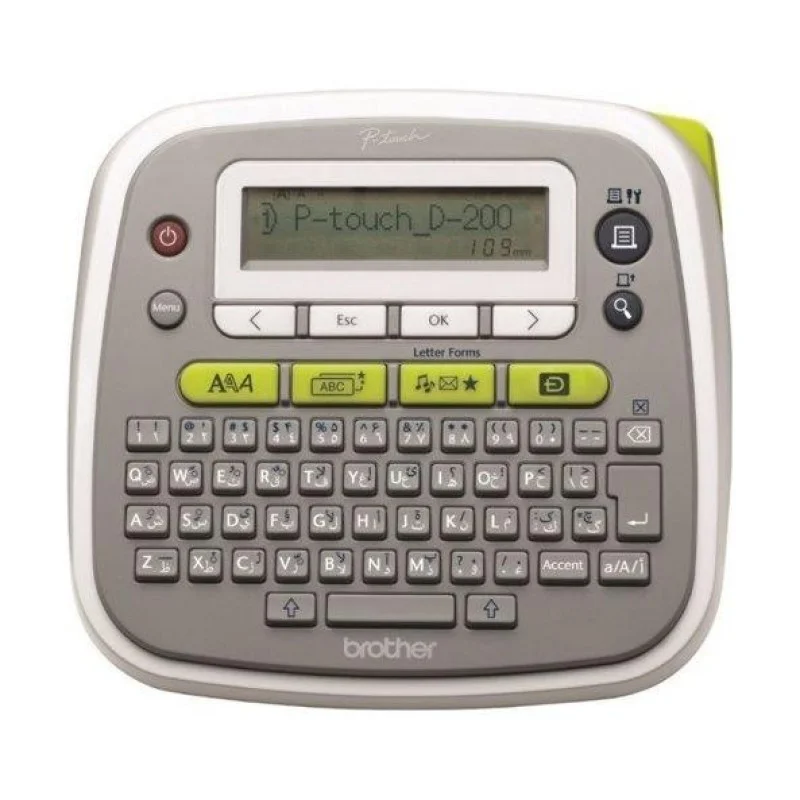
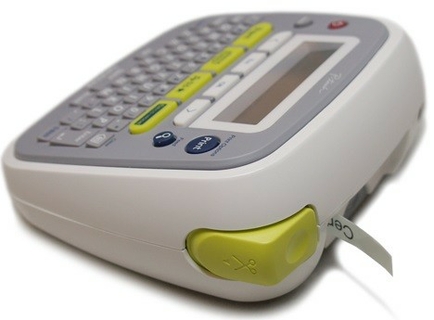
· QWERTY KEYBOARD: To make typing texts simple, the PT-D200AR features a qwerty style keyboard layout with English, Arabic, and Farsi language.
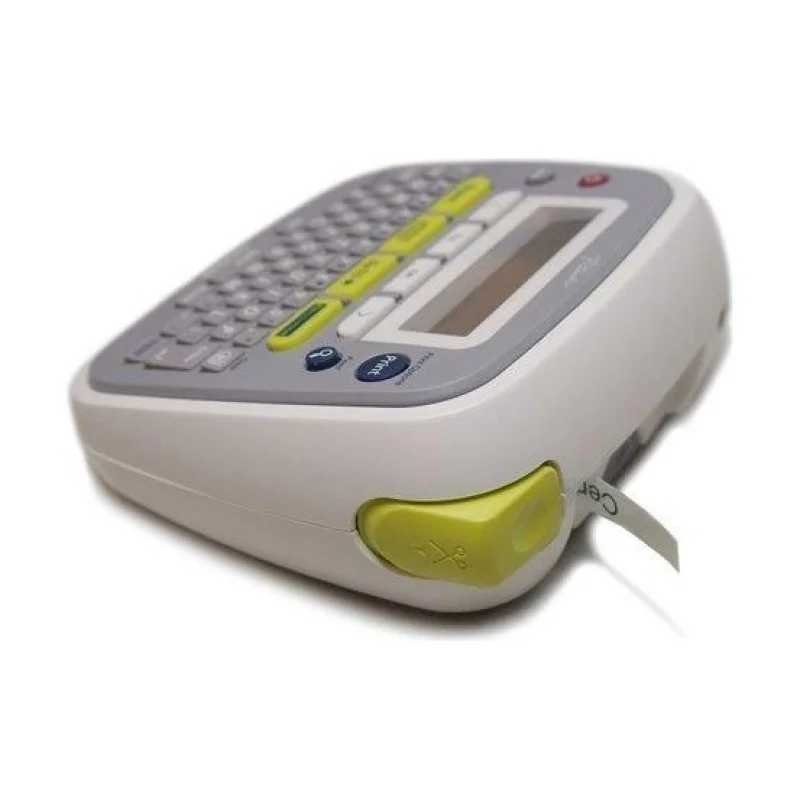
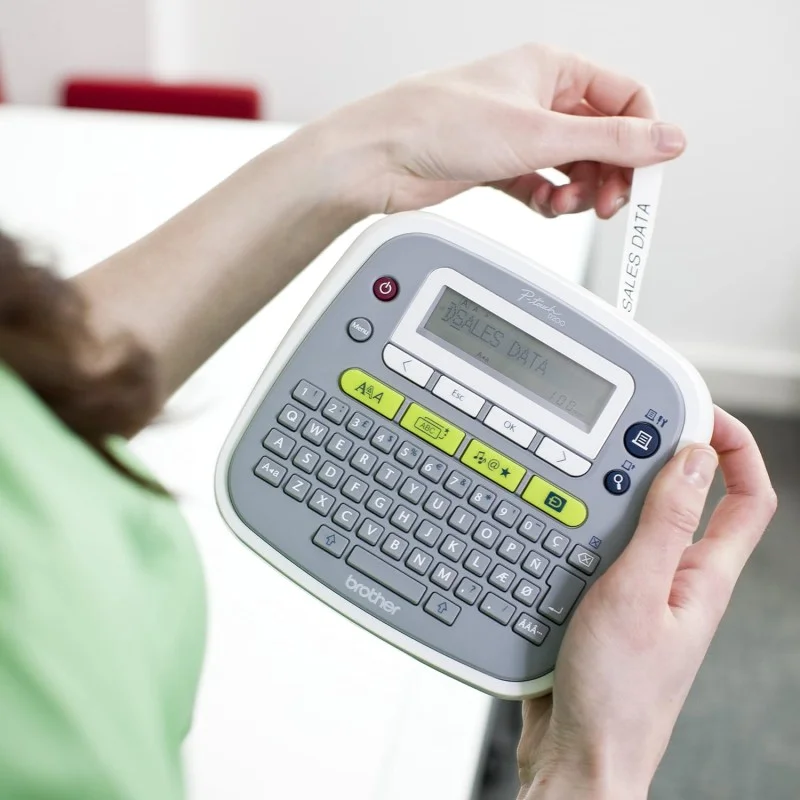
· LIGHTWEIGHT AND PORTABLE: With its lightweight and portable design, this label maker makes printing labels at virtually any location simple.
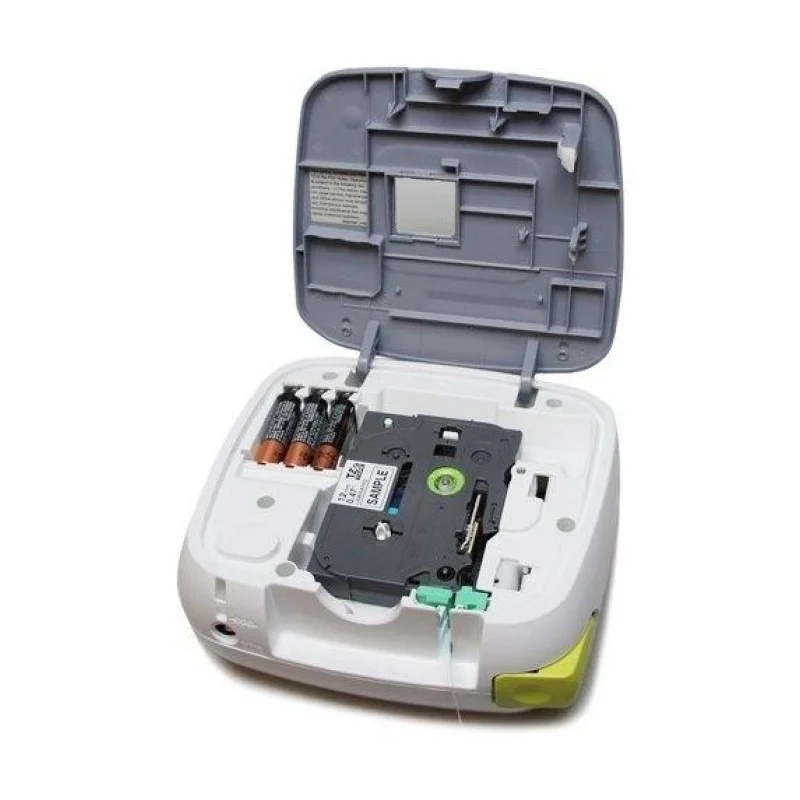
· FOR USE WITH GENUINE BROTHER LABEL TAPES: The PT-D200AR Label Printer uses Genuine Brother P-touch TZe label tapes up to 12.0mm width in a variety of adhesives and styles that are perfect for workshop, electrical and tough labeling needs. Tested to the extreme, they can be used in indoor or outdoor environments.
· Quickly Access Fonts, Symbols, Designs
· Preview Label Before Printing
· Print Up To 2 Lines Of Text
· Compact Design
· No Outlet Required - Uses AAA Batteries
· Remembers Up To 30 Label Designs
· 8 Fonts, 10 Font Styles, 617 Symbols
· Vertical & Mirror Printing
· Uses TZe Laminated Tapes Up To 12mm Wide
· QWERTY Keyboard With Shortcut Buttons
Make Stylish Labels
The PT-D200 makes it easy to create stylish labels for your home and office. With its convenient one-touch keys and an array of pre-designed labels, getting organized just got easier.
View Your Label Before You Print