














 copy 1-100x100.webp)


















































































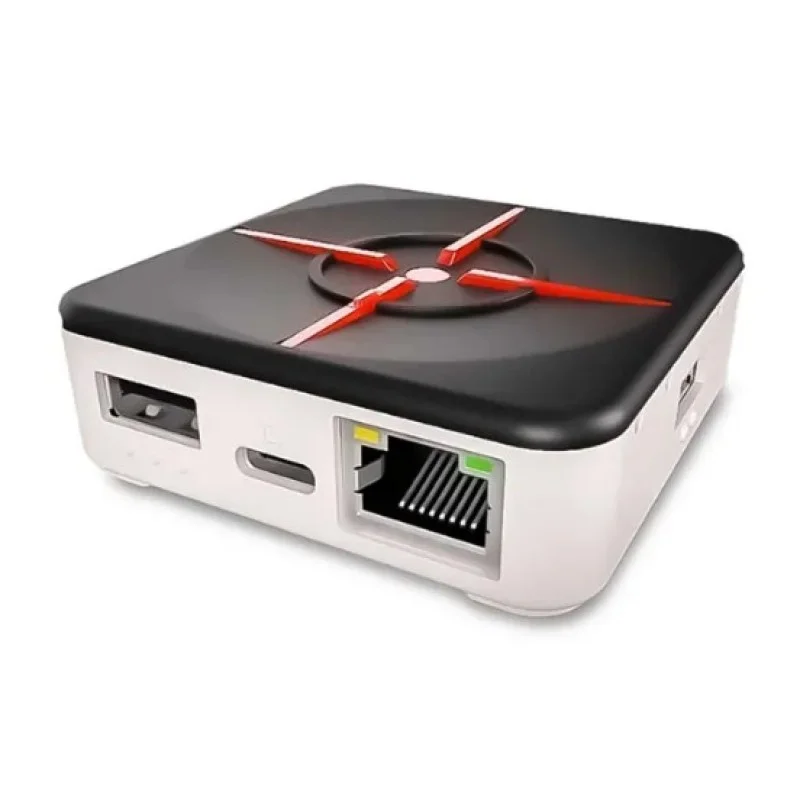
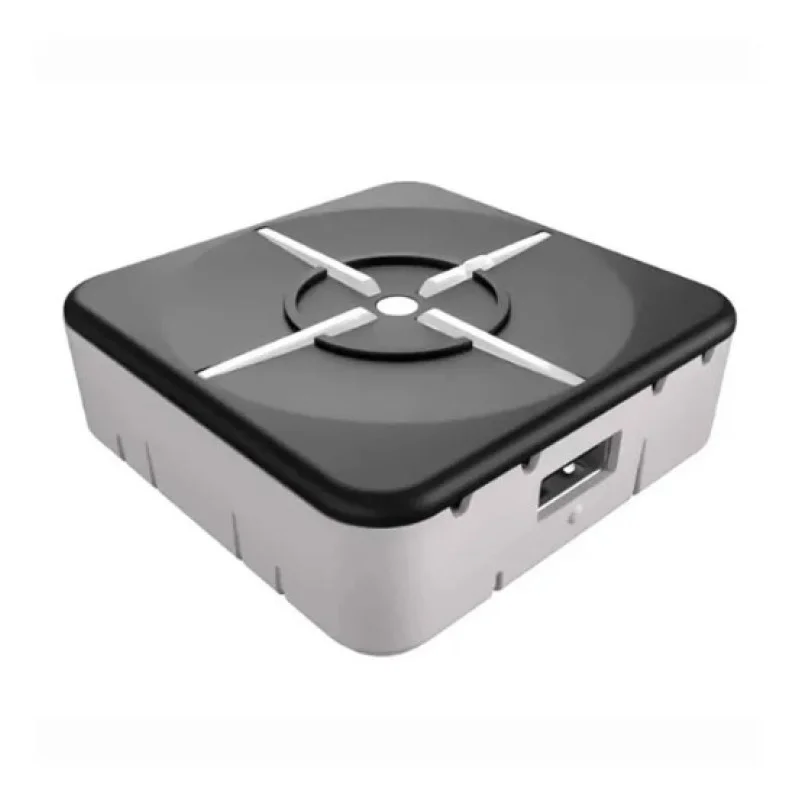
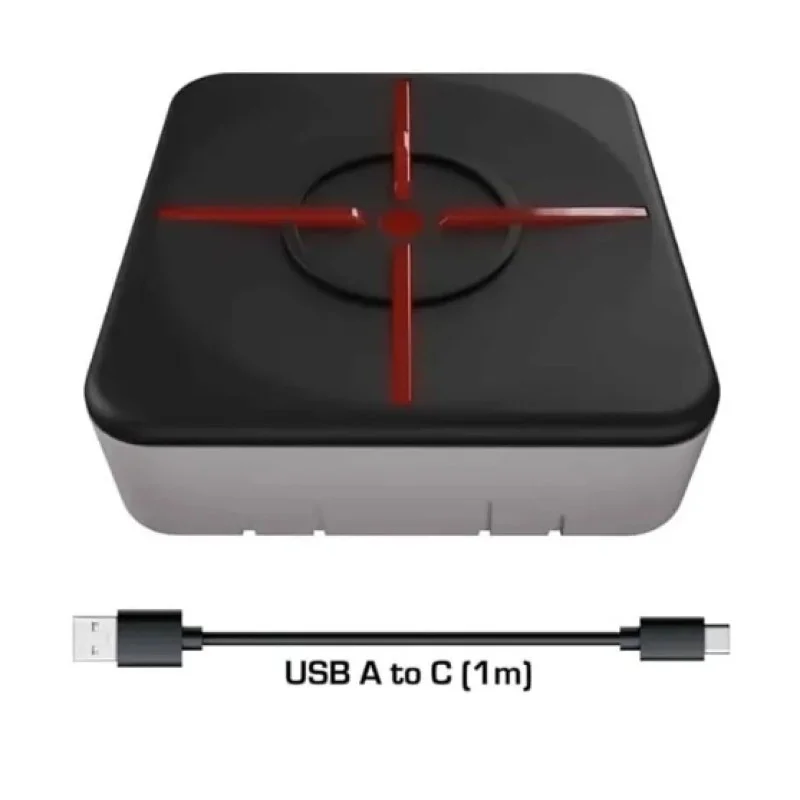
Xim Matrix Multi-input Adapter Converter for Xbox Series X/S, PS5, Xbox One, PS4, PC
79.900 KWD
- Product Code: 34204
- Availability: In Stock
Split your payment into 4, 3, or 2 installments

· The XIM MATRIX is the ultimate multi-input adapter designed to unlock your true potential in shooter games across Xbox Series X|S, PlayStation 5, Xbox One, PlayStation 4, and PC. Built for gamers of all backgrounds—from casual players to highly competitive veterans and gamers with disabilities—it allows you to craft a personalized input experience that best matches your playstyle without being restricted by traditional console limitations.
· Key Features
- Ultimate Input Freedom: Seamlessly game with mice, keyboards, gyro controllers, or utilize cross-console controller support, allowing you to use your preferred setup in any combination.
- Smart Translator Technology: Features a proprietary precision aim system that ensures consistent, 1:1 aim translation and accuracy for mice and controllers.
- Smart Actions Macro Engine: An advanced, built-in macro system that provides the flexibility to automate complex inputs and craft your ideal input experience.
- True Aim Curves: Provides aim curves that respond exactly as designed, unlike other input devices that rely on custom, less accurate curves.
- Wireless Controller Support: Offers wireless support specifically for gyro and cross-console controllers.
- Real-Time Configuration: The XIM MATRIX Manager companion app allows for quick, real-time device configuration and adjustments directly from your smartphone, tablet, or PC.
- Platform Compatibility: Xbox Series X|S, PlayStation 5, Xbox One, PlayStation 4, and PC
- PS5 Connection Requirement: Gameplay on PlayStation 5 requires a direct, wired Ethernet connection to your local network for both the console and the XIM MATRIX.
- Controller Requirements: Genuine, official first-party Xbox and PS4 controllers are required when using the adapter on those respective consoles.
- PC Operation: The adapter is recognized as an X-Input device when connected to a PC.
- App Compatibility: The XIM MATRIX Manager configuration app requires iOS 13, Android 6, or Windows 10 x64 (or higher) equipped with Bluetooth LE.
- Firmware Updates: Updating firmware requires a PC running Windows 7/8/8.1/10 (x86/x64) or macOS 10.11 (or higher) via a USB connection.
- Third-Party Scripts: Not compatible with Cronus Zen, ReWASD, or any third-party scripting tools; it relies entirely on its built-in Smart Actions system.